
Engage for Frontline
Everything your frontline needs, in one mobile app they will actually use


Richard Hogg,
Group CEO, Ardonagh Group
“Engage gave us a single front door to the business. Whether someone’s in an office, on the road, or in a branch, they feel equally connected — and we can prove it.”
The problem frontline teams face
Frontline workers move fast and rely on their phones. Yet most workplace tools are designed for people at a desk.
Hard to reach, hard to connect
Most frontline staff do not have email, a laptop or regular access to internal systems.
Low access to tools and information
Policies, shift updates, safety notices and messages often arrive late or through unreliable channels.
Poor digital experience
Apps are confusing. Passwords get forgotten. People drop off. Engagement stays low.
What you can achieve
with Engage
Instant reach
Push updates, shifts, safety alerts and training straight to a mobile-first app.
Higher Adoption
Frontline workers actually use Engage because it feels simple and familiar.
Fewer Blockers
Fast access to tools, messages and documents reduces confusion and support needs.

Anna-Maria Tsili
Head of HR & Talent at itsu

How Engage Helped itsu Reach Its Deskless Workforce
"The ability to segment communication has been a complete game-changer. Everyone sees information that’s genuinely relevant to them, making updates feel more personalised and far more effective."
Challenge
With only around 110 of its 1,300 employees working at desks, its internal comms team needed a better way to reach everyone else.
Solution
Working with Engage, itsu launched its’us, a mobile-first app designed to reflect itsu’s brand, values and vibrant culture.

Claire Leake
Chief People Officer at National Care Group Limited
National Care Group: Transforming Engagement with Engage
“Engage has transformed how we reach our frontline teams. Being able to communicate in real time has played a huge role in reducing turnover from 41% to under 24%.”
Challenge
NCG faced significant challenges in communication and colleague retention. An annual turnover rate of 31.5% created instability within the workforce, making it difficult to provide consistent, high-quality care.
Solution
Engage brought all communication into one accessible platform, giving colleagues a central place to receive updates, view policies, and share feedback instantly. By connecting teams across hundreds of locations, the app has created a more inclusive, efficient and responsive way of working.

Chris Boyle
Head of AfterAthena and Employment at Napthens
North West based law firm Napthens launches community app with Engage
“Engage strengthens our relationships and positions us as trusted advisers. By keeping clients informed with the latest legal updates and documents, we’ve achieved a retention rate of around 96%.”
Challenge
AfterAthena needed to move beyond traditional, transactional communication. Clients lacked a single place to access documents or updates, and email processes slowed everything down. They wanted a modern way to build a stronger client community and improve access to essential information.
Solution
AfterAthena launched a single platform that brings their client community together. Clients can access documents, updates and guidance in one place, with integrated systems and real-time messaging making communication smoother and more connected.
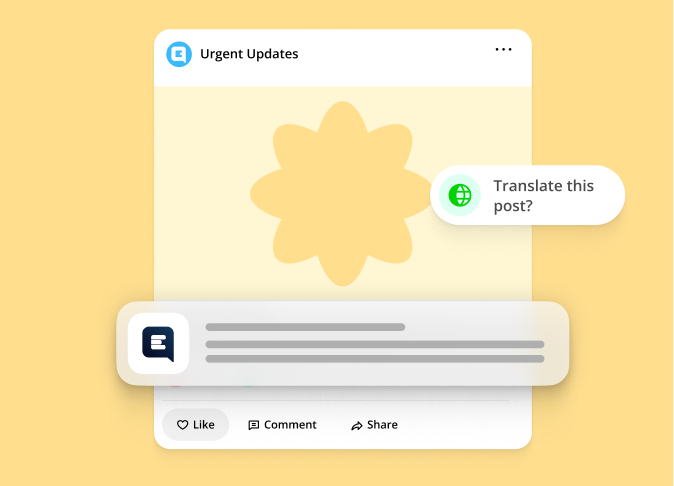
Put key updates in their pocket
Make updates fast, clear and impossible to miss
Target messages by role, shift or location
Push alerts and mandatory reads
Auto-translation for multilingual teams
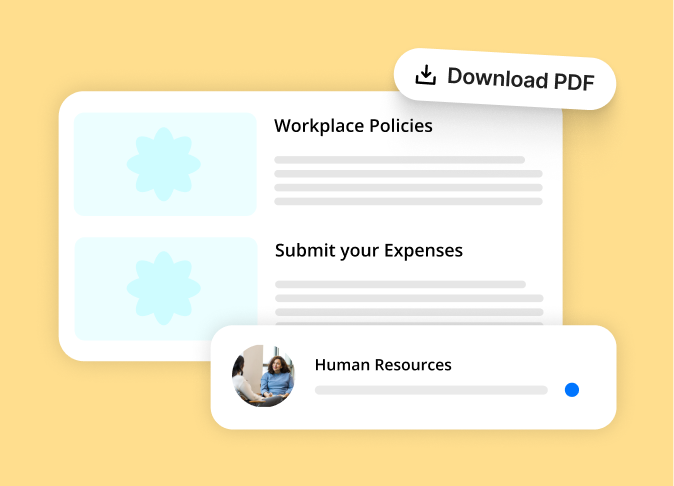
Give frontline workers the tools they need
Support every shift with clear access to information
Digital access to policies, forms and safety content
Micro-learning for new skills
Easy access to HR or IT support channels
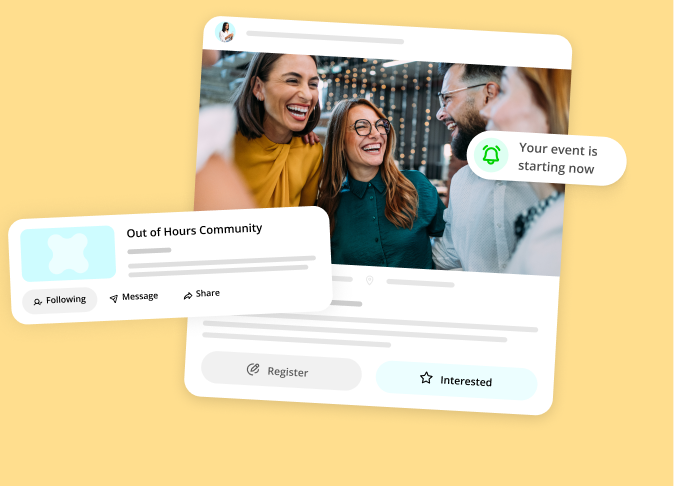
Build a stronger frontline culture
Recognition and two-way communication make people feel part of something bigger
Kudos and values stories
Local groups and social-style feeds
Quick surveys and sentiment checks
Features built
for Frontline
Mobile-first hub
Clear, simple access to updates, tools and content.
Targeted communication
Reach the right group at the right moment.
Push notifications & Mandatory Reads
Keep safety and shift-critical messages front and center.
Recognition & Kudos
Celebrate wins and strengthen culture.
Surveys & Sentiment
Gather feedback to improve conditions fast.
Learning & Onboarding
Short lessons and reminders that fit busy shifts.
Access to documents
HR, safety and operations files in one place.
Chat & Group Spaces
Support teamwork and local communication.
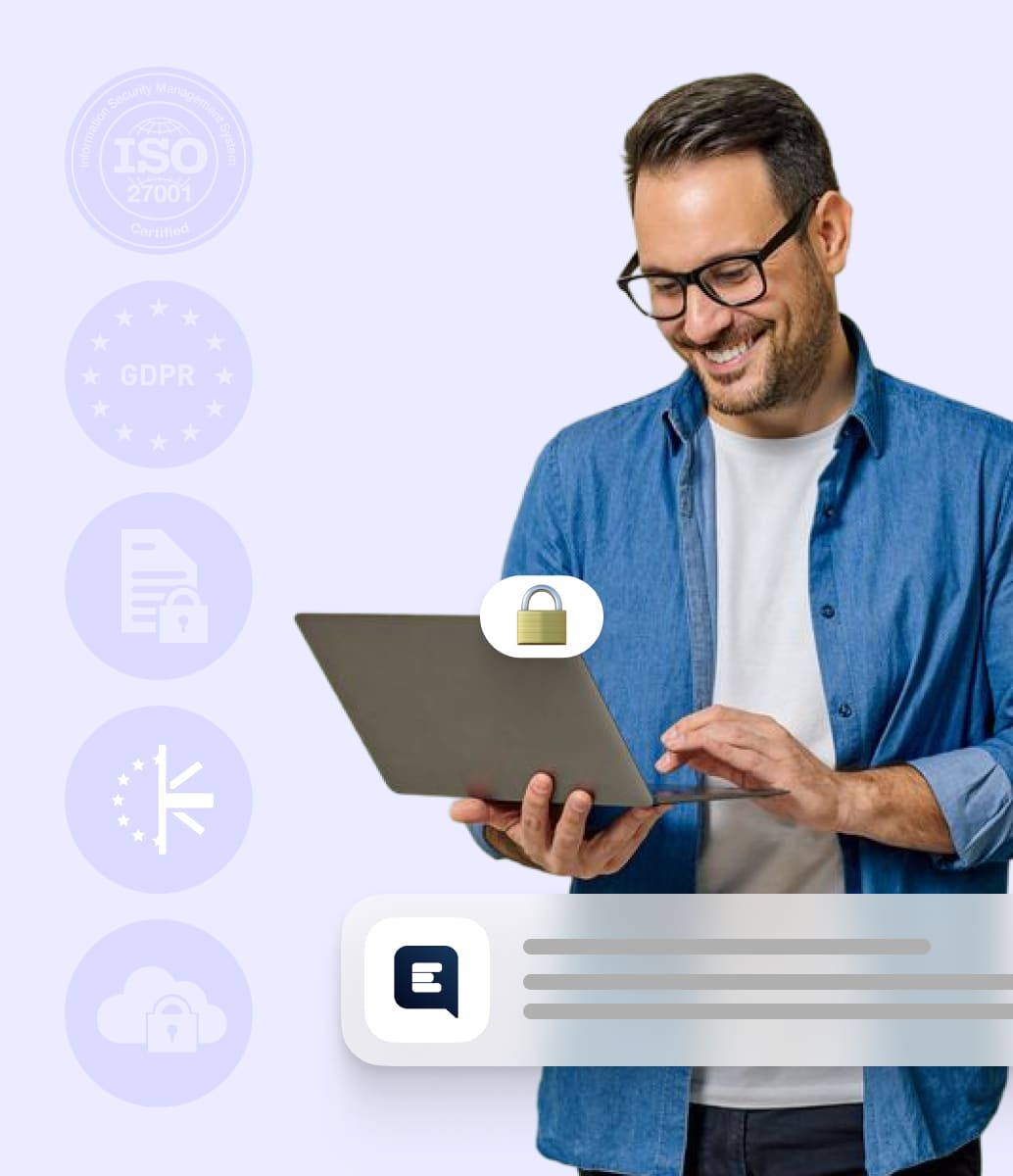
Enterprise security you can trust
Built for enterprise. Certified for peace of mind.
ISO 27001 certified
GDPR & CCPA compliant
Data encrypted at rest and in transit
UK/EU data residency options
SSO, SCIM provisioning, audit logs, & role-based access
Frequently asked questions


How does Engage help us reach frontline colleagues who don’t work at a desk?
Engage is mobile-first, ensuring every colleague can receive updates, tasks, and resources on their personal or work device. Push notifications reach them instantly, removing reliance on noticeboards, supervisors, or email.
Can frontline teams easily access the tools and information they need?
Yes. Engage brings communication, documents, forms, rotas, learning, and support into one branded hub that’s designed for quick, simple use. Colleagues can check updates, complete tasks, and access support without searching or logging into multiple systems.
How does Engage help reduce confusion and improve consistency across sites and shifts?
Engage centralises messages and resources, ensuring colleagues see one clear version of the truth. Targeted content prevents misinformation, while managed messaging and mandatory reads ensure important updates reach the right teams every time.
Can Engage support training, onboarding, and upskilling for frontline roles?
Absolutely. Engage delivers bite-sized training, onboarding content, checklists, and micro-learning directly to colleagues’ phones. Automated journeys help new starters get up to speed quickly and ensure ongoing training remains consistent across all teams and locations.
How does Engage give frontline colleagues a voice?
Through polls, surveys, social posting, recognition tools, and feedback forms, frontline colleagues can share opinions, raise issues, and celebrate success. This helps leaders understand frontline needs and build a stronger sense of connection across the workforce
Do we need to use both colleague and customer communities?
No. You can either opt to run colleague and customer communities in one branded app with strict audience controls, or start with one and add the other later.